Quillbot AI Story Generator: How It Works, Its Limits, and a Picture-Book Alternative
A practical look at Quillbot's free AI story generator: how to use it, prompts that work, where it falls short for children's books, and what to use instead.
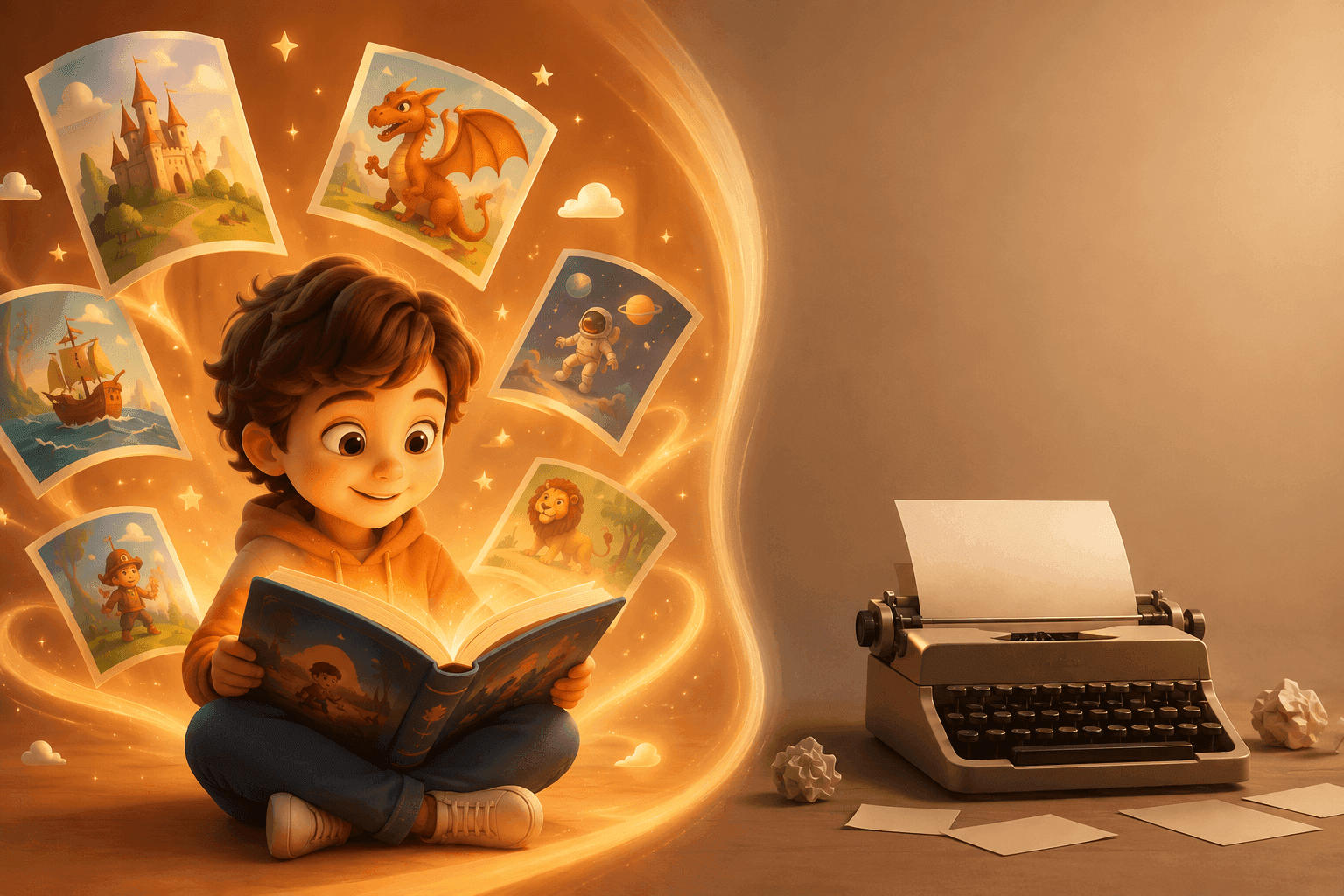
Quillbot's AI story generator is one of the most visible free story tools online. Type an idea, and it writes a story in seconds. But is it the right tool for you, and especially for making a story for a child?
This guide explains how the tool works step by step, gives you prompts to try, and shows where it falls short if what you really want is an illustrated book starring your child.
Disclosure: LuluStories is our own product, so we are not neutral. Details about Quillbot come from its own website and were checked in November 2026. Features change, so confirm them on Quillbot's site.
Quillbot AI story generator at a glance
| Quillbot AI Story Generator | |
|---|---|
| What it makes | Written stories (text) |
| Price | Free to try, with Premium for longer or more advanced writing |
| Sign-up | Not required to start |
| Story length | Adjustable, from short story starters to multi-paragraph stories |
| Tone and genre | You can steer tone and style, from funny to spooky |
| Pictures | None in the story generator |
| Best for | Writers, students and anyone who wants story ideas or a quick draft |
How to use Quillbot's AI story generator
Quillbot keeps the process simple. Here is how it works:
- Open the story generator on Quillbot's website. You can start without creating an account.
- Type your prompt. Describe the theme, characters, setting and tone. The more specific you are, the better the result.
- Generate the story. The tool writes a story from your prompt in a few seconds.
- Refine it. Add more direction, such as "make it shorter" or "give it a happier ending", and regenerate until you like it.
- Copy and edit. Copy the finished text and paste it wherever you need it, then edit it in your own words.
Prompts that work well
Quillbot's own advice is to write a detailed, specific prompt and keep following up. These prompts give you a strong start:
- Children's story: "Write a short bedtime story for a 5-year-old about a shy hedgehog who learns to make friends. Gentle tone, simple words, happy ending."
- Horror: "Write a spooky short story about a lighthouse keeper who hears knocking from inside the walls. Build tension slowly and end on a twist."
- Mystery: "Write a story idea about two rival students who must work together to find a missing school trophy."
- Fantasy: "Write the opening scene of a fantasy story where a girl discovers her grandmother's garden is a portal to another world."
- Brand story: "Write a short brand story about a family bakery that has used the same recipe for three generations."
Tips for better stories:
- Name the age group and reading level if the story is for a child.
- Say how long you want it, for example "about 300 words".
- Add one detail that makes it yours, such as a real pet's name.
- Ask for changes one at a time instead of rewriting the whole prompt.
What Quillbot's story generator does well
- It's quick and free to start. You can try it without an account.
- It handles many genres. Fantasy, sci-fi, romance, horror, mystery and children's stories are all possible.
- You stay in control. You can steer length, tone and style, and keep refining.
- It's part of a bigger writing toolkit. Quillbot also offers a paraphraser, grammar checker and summarizer to polish the text afterwards.
For brainstorming, school writing and quick drafts, it's a genuinely useful tool.
Where it falls short for a children's book
Many parents searching for an "AI story generator" actually want something different: a picture book their child can see themselves in. That's where Quillbot's story generator stops.
- No illustrations. The story generator produces text only. Quillbot has a separate image generator, but you would have to create each picture yourself, and there is no built-in way to keep a character looking the same from page to page.
- No photo personalization. The characters are invented from your prompt. Your child doesn't appear in the story the way they would in a photo-based book.
- You do the assembly. Turning the text into a book, with pages, layout and pictures, is up to you.
- No printed book. There is no option to order a hardcover of your story.
None of this makes Quillbot a bad tool. It's simply built for writing, not for making finished picture books.
The alternative: LuluStories for illustrated stories starring your child
LuluStories starts from the opposite direction. Instead of a text draft you edit yourself, you get a finished, illustrated storybook built around your child.
- Photo personalization. Upload a photo, and your child becomes the illustrated hero, recognizable on every page.
- Fully illustrated. Every story is a complete picture book in your choice of 10+ art styles.
- Made for kids. The language, length and themes fit your child's age.
- Ready to read. No editing or layout work needed.
- Print option. Read it online, download it, or order a premium hardcover.
- Free to start. Your first story is free. You need a free account, but no payment card.
Quillbot vs. LuluStories
| Quillbot AI Story Generator | LuluStories | |
|---|---|---|
| Output | Text story | Fully illustrated storybook |
| Personalization | Characters from your prompt | Your child, from a photo |
| Pictures | None in the story generator | Every page, 10+ art styles |
| Built for | Writers, students, brainstorming | Parents and young children |
| Editing needed | Yes, you refine and assemble | No, ready to read |
| Printed book | No | Yes, premium hardcover |
| Free start | Yes, no sign-up | Yes, free account, no card |
Looking at more tools? See our comparison of the best AI children's book makers or our guide to Google Gemini Storybook alternatives.
Frequently asked questions
Is Quillbot's AI story generator free?
Yes, it's free to try, and you can start without signing up. Quillbot says Premium options are available for longer or more advanced writing.
Do I need an account to use it?
No, you can start without creating an account.
Can I choose how long the story is?
Yes. Quillbot says you can adjust the length, from short story starters to multi-paragraph stories.
Can Quillbot write horror or spooky stories?
Yes. You can guide the tone and style, including spooky and dramatic stories. Be specific about the setting, the source of fear and the ending you want.
Can Quillbot's story generator make pictures?
No. The story generator writes text. Quillbot has a separate image generator, but it doesn't turn your story into an illustrated book or keep characters consistent across pages.
Can I use Quillbot to make a children's book?
You can use it to draft the text, then add pictures and layout yourself. If you want a finished, illustrated book with your child as the hero, a dedicated tool like LuluStories is faster.
Which one should you use?
If you want story ideas, a quick draft or help with a writing assignment, Quillbot's free story generator is a solid choice. If you want your child to open a real illustrated book and see themselves as the hero, that's what LuluStories was built for.
Ready to create your child's own storybook?
Turn your child into the hero of a fully illustrated, personalized story in minutes.