Is It Safe to Upload Your Child's Photo to an AI Book App?
What happens to your child's photo in an AI storybook app? A parent's checklist of 7 questions to ask.
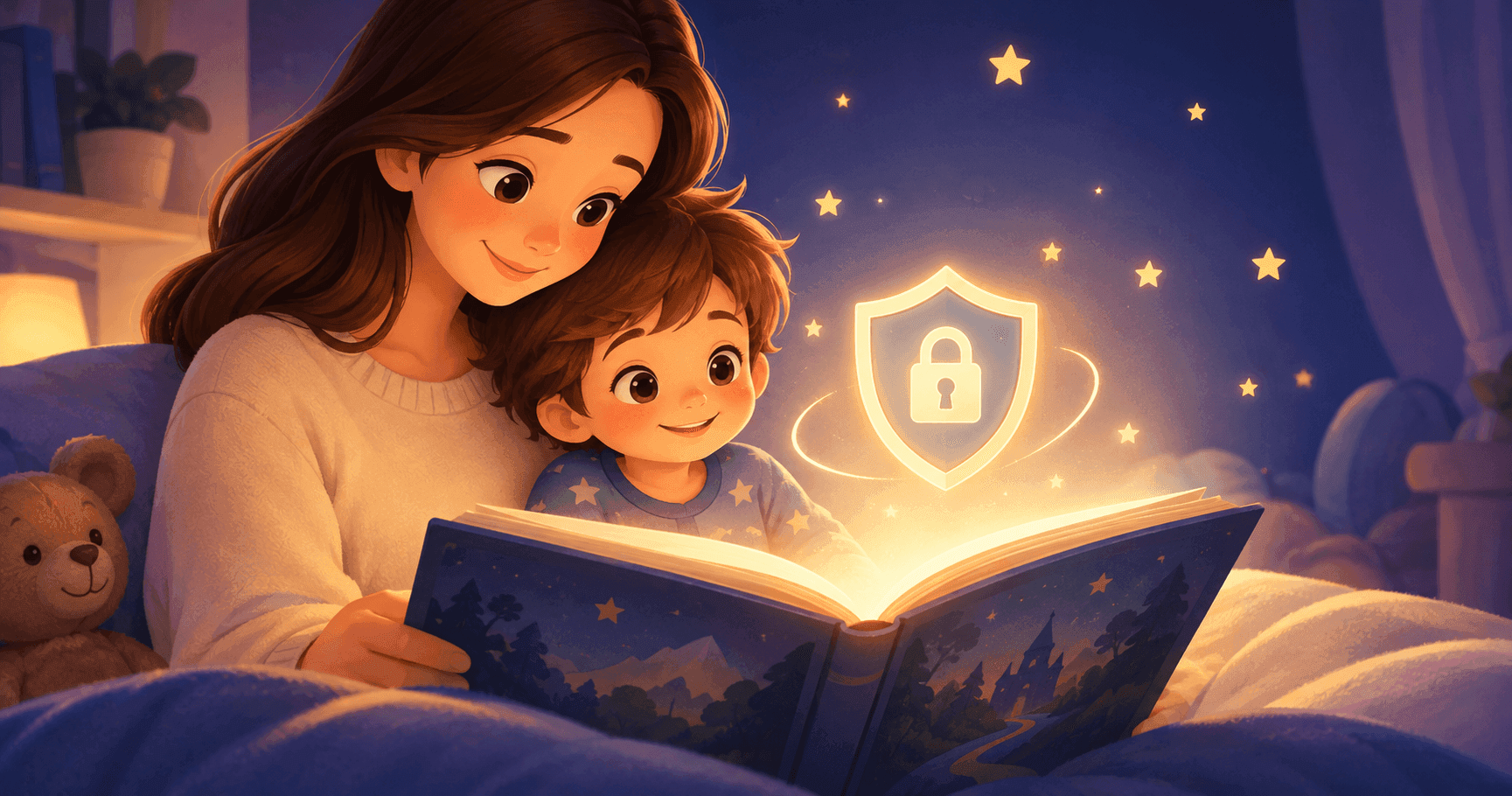
Personalised storybooks are built on one thing: a photo of your child. That makes "is this safe?" the right question to ask before you upload anything. This guide gives you a checklist you can use on any AI storybook app, then shows how LuluStories answers each point.
The short answer
It can be safe, but it depends entirely on how the app handles the photo. Cute illustrations tell you nothing about that. What matters is what the company stores, for how long, who can see it, and whether the photo is used for anything beyond making your book.
What actually happens to your child's photo
When you upload a photo to an AI storybook app, three things typically happen:
- The photo is sent to the company's servers.
- The AI uses it to build an illustrated version of your child, so the character looks like them across every page.
- The photo and the finished story may be stored in your account, or deleted after processing, depending on the app.
Step 3 is where apps differ most, so it's where your questions should focus.
7 questions to ask before you upload
1. Is the photo used to train AI models? Using a photo to create your book is one thing. Using it to improve or train a model is another. A trustworthy app says plainly which one it does, ideally in its privacy policy and not buried in the terms.
2. How long is the photo kept, and can I delete it? Look for a clear retention period and a simple way to delete the photo and the stories made from it. Under EU data protection law, people have a right to ask for their personal data to be erased.
3. Where is the data stored, and who processes it? Most AI apps rely on outside providers for image generation and hosting. A good privacy policy names the categories of providers and the regions where data is handled.
4. Who can see my child's photo and stories? Check that stories are private by default. Avoid apps with public galleries or "community" feeds that show user-generated content unless you can opt out.
5. What other personal data does it collect? A child's name, age and interests are personal data too. The less an app asks for, the less there is to protect. Ask whether you can try it without creating an account.
6. Does it follow data protection law? For families in the EU and UK, that means GDPR. For US families, ask how the app approaches children's privacy rules such as COPPA. Look for a named contact for privacy requests.
7. What happens when you order a printed book? Printing means a delivery name and address are shared with a print and shipping partner. Check what's shared and with whom.
How LuluStories handles your child's photo
Here are our answers to the same seven questions.
- Training: [CONFIRM: do you use uploaded photos to train or fine-tune any model, yours or a provider's? State yes or no plainly, and check your AI providers' own terms.]
- Retention and deletion: [CONFIRM: how long photos are stored, whether they're deleted after generation, and the exact steps or contact for deletion.]
- Storage and providers: [CONFIRM: storage region, and the categories of providers that process photos, such as hosting and image generation.]
- Privacy of stories: [CONFIRM: stories are private by default, and any sharing is opt-in.]
- Data we collect: you can create your first story without an account. [CONFIRM: what is collected beyond the name, age, interests and photo you enter.]
- Legal basis and contact: [CONFIRM: GDPR approach, company entity and location, and the privacy contact email.]
- Printed books: [CONFIRM: what is shared with the print partner and for what purpose.]
You can read the full details in our privacy policy: [CONFIRM: link to your privacy policy page].
Practical tips for any app
- Pick a simple photo. A clear, well-lit photo of your child's face works best, and you don't need one with a recognisable background or school uniform.
- Check the photo for location data. Some phone photos carry hidden location information. Most apps strip it, but you can remove it yourself before uploading.
- Use a separate email if you're only testing an app.
- Read the privacy policy before you create an account. Search the page for "train", "retain", "delete" and "share".
- Know how to delete. If you can't find how to delete your child's photo, treat that as a red flag.
Red flags
- No privacy policy, or one that's hard to find
- No way to delete your photo or your data
- Vague wording such as "we may use your content to improve our services" with no detail
- Public galleries that show children's photos or stories by default
- Requests for far more personal data than a storybook needs
Frequently asked questions
Does the AI keep a copy of my child's face? That depends on the app's retention and training practices, which is why questions 1 and 2 matter. [CONFIRM: your answer here.]
Can I delete my child's photo after making a book? [CONFIRM: your deletion process.]
Can I try it without an account? Yes. Your first LuluStories story is free and needs no account.
Is this legal advice? No. This is general information to help you ask better questions. For legal questions, consult a qualified professional or your national data protection authority.
Try it with your own questions in mind
Now that you know what to look for, you can create your child's first story free with no account, and see how it works before you decide. Want to see how the character stays consistent across pages? Read about character consistency, or see how it works.
Ready to create your child's own storybook?
Turn your child into the hero of a fully illustrated, personalized story in minutes.